Why You're Always the Last to Know an Order Is Late

Business Central on-time delivery reporting should help your team identify missed commitments before customers have to chase for updates. Yet too often, the first sign of a problem is a customer asking where their order is. Customer service checks Business Central, contacts the warehouse and discovers that part of the order is still outstanding. The delivery date has already passed.
Now somebody has to investigate the delay while the customer waits for an answer.
For operations and customer service managers, this is a reporting problem as well as a fulfilment problem. Your team needs a regular way to see missed commitments, understand which customers are affected, and decide who should act.
How Business Central on-time delivery reporting improves visibility
Review delivery performance alongside outstanding orders, using a clearly defined delivery date and a consistent reporting routine. A shipment percentage alone cannot tell you everything customers are still waiting for.
Sales Insights from Business Central Insights provides ready-made Power BI reporting for Microsoft Dynamics 365 Business Central, including delivery performance and outstanding sales commitments. It gives teams a starting point for that review without first building their own reports.
Why a shipment report can miss the customer's problem
A report of completed shipments answers a useful question: how well did we handle the goods that left the warehouse?
But consider an order that has not shipped at all. The customer is still waiting, yet there is no shipment to include in a shipment-only view. A partially shipped order creates a similar problem when attention stays on the dispatched items and the outstanding balance receives less scrutiny.
For example, imagine a customer needs three components for a maintenance job. Two arrive as agreed; the third is overdue. The customer may be unable to start the job, even though most of the order arrived on time.
That is why the scope of your KPI matters. Agree whether the service promise applies to each shipment, each line, or the customer's whole order before using a percentage to judge performance.
Decide which delivery promise you are measuring
The date the customer requested and the date your team confirmed can differ. Reporting against one when colleagues expect the other can lead to conflicting conclusions about the same order.
Use the requested date to assess performance against the customer's original requirement. Use the promised date when you want to assess the commitment your team confirmed. Record that choice in your reporting process so sales, operations and customer service interpret the results consistently.
Shipment and delivery dates also serve different purposes. Business Central's date calculations take shipping time and outbound warehouse handling into account, as explained in Microsoft's delivery date calculation guidance. Dispatching goods on the required delivery date may already be too late.
Review outstanding orders before they become late
An order does not have to be late to need attention. A delivery due tomorrow may already be at risk if stock has not arrived, production is behind schedule or the warehouse has not received the information it needs.
A useful delivery review therefore considers both missed commitments and upcoming deadlines. For outstanding orders, the question is whether the remaining work can realistically be completed in time. Reviewing these orders together gives operations and customer service an opportunity to resolve a problem or discuss alternatives with the customer.
Partially fulfilled orders also need a clear owner. Once the first shipment leaves, responsibility for the remaining items can become unclear. Customer service may assume the warehouse is handling them, while the warehouse is waiting for stock or further instructions.
Keep the outstanding balance visible until it has been delivered or an alternative has been agreed with the customer.
Make delivery commitments clear and consistent
A missing delivery date leaves more than a gap in the data. It leaves the team without a clear commitment to manage. The customer may expect delivery on a date discussed by phone or email, while the people fulfilling the order have no record of that expectation.
Agree who records the delivery commitment, when it must be entered and who is responsible for keeping it current. Sales, operations and customer service should work from the same understanding of what has been promised.
Changes need the same discipline. Moving a date in Business Central does not, by itself, mean the customer has accepted the delay. A revised commitment should follow a conversation about what is achievable and what the customer needs.
Review orders with missing or uncertain dates separately. Otherwise, a reassuring delivery percentage can hide commitments that nobody has properly defined.
Give every delivery issue a clear owner
A daily service review should leave the team knowing which customers need attention, what action is being taken and who will provide the next update.
For each delivery issue, establish the cause, the available options and the person responsible for following through. A stock shortage might require purchasing input. A dispatch delay might need warehouse action. Customer service needs a confirmed position it can communicate.
Agree when the next update is due, even if the issue cannot be resolved immediately. This prevents customers from having to restart the investigation every time they call.
Over time, use these reviews to identify recurring causes. If the same items, handoffs or planning assumptions repeatedly lead to missed dates, investigate the underlying process. Resolving today's overdue order helps one customer; addressing the recurring cause can improve service across many orders.
A customer example from Hutchinson Engineering
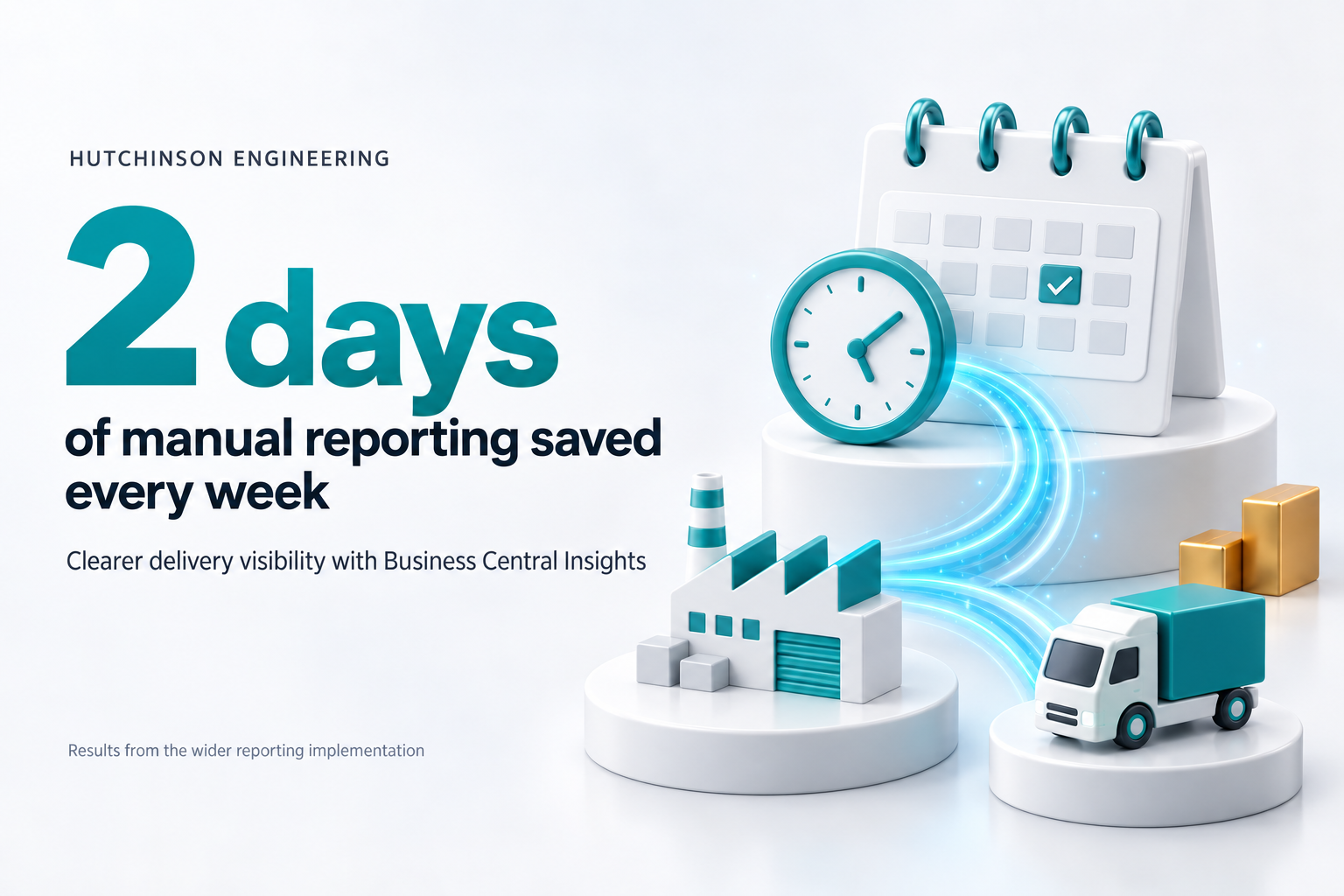
After moving to Business Central, Hutchinson Engineering relied on Excel reporting that produced inconsistent figures across departments. Its Business Central Insights customer story describes how a shared reporting approach improved delivery visibility and reduced manual reporting by two days per week.
That saving relates to its wider use of Business Central Insights. For a delivery team, the relevant lesson is practical: less time assembling and reconciling figures leaves more time to investigate what customers are waiting for.
Frequently asked questions
What is on-time delivery performance?
On-time delivery measures whether deliveries meet an agreed date. A percentage is meaningful only when you know the date being used, what is being counted, and which orders or shipments are included.
Does the On Time Delivery report confirm when a carrier delivered the goods?
Its calculated delivery date comes from shipment posting and shipping time. Treat that as an ERP-based performance measure, rather than independent carrier proof of delivery. Check carrier records when you need confirmation of physical arrival.
How often should the team review late orders?
Start with a review each working day, after a successful data refresh. Adjust the frequency to your order volume and service commitments, and make sure somebody owns the follow-up actions.
See Business Central on-time delivery reporting in action
Use the Delivery Analytics walkthrough and video tutorial to explore the report settings with your team. Start with a familiar customer and check whether the results match the commitments you are managing.
To explore the reports with your own Business Central data, start a free 30-day trial or book a demo.
Give your team a regular opportunity to spot the issue, agree the next step and contact the customer before they have to chase you.
Enable meaningful interactions.
The right touchpoint and the right time.
Learn more about Business Central Insights