Setup
Open the Insights Connector for Power BI

1. Sign in to Business Central
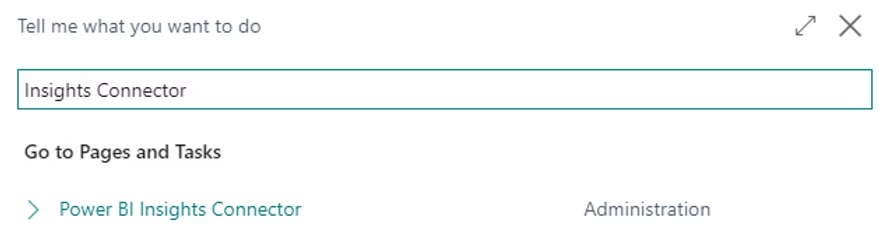
2. In the Tell Me box, enter Insights Connector, and then click on the 'Insights Connector for Power BI' link.
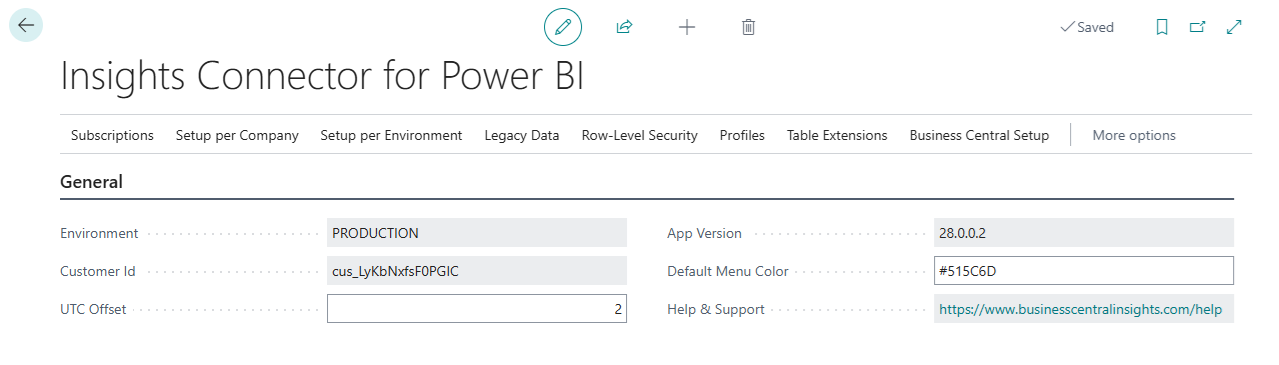
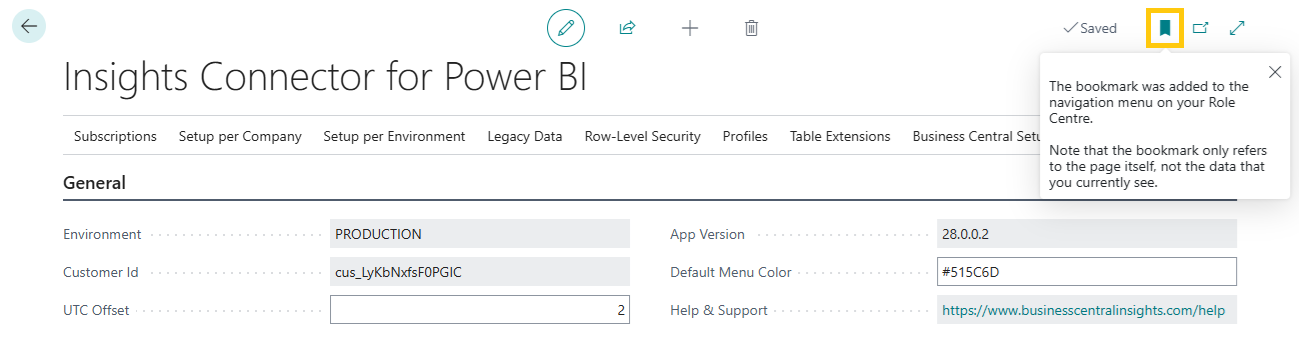
You can bookmark the 'Insights Connector for Power BI' page to quickly access it from your Role Center menu.