Setup
How to open the Insights Connector for Power BI in Business Central
Learn where to find and access the Insights Connector for Power BI in Microsoft Dynamics 365 Business Central

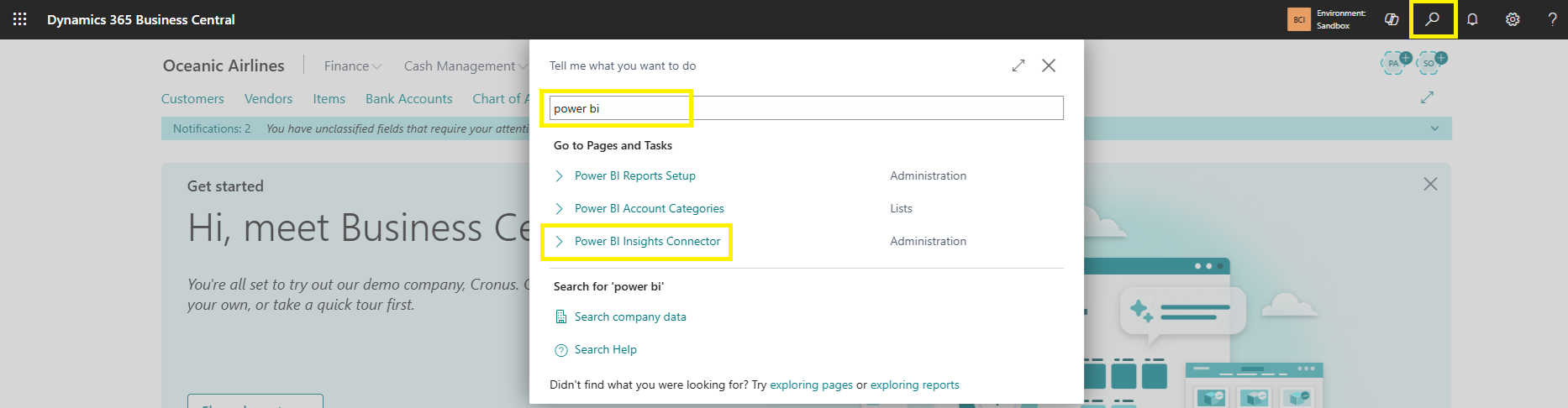
Use the Search (Tell me) bar at the top right.
Start typing Insights Connector for Power BI.
Select Insights Connector for Power BI from the results.
The connector page will open